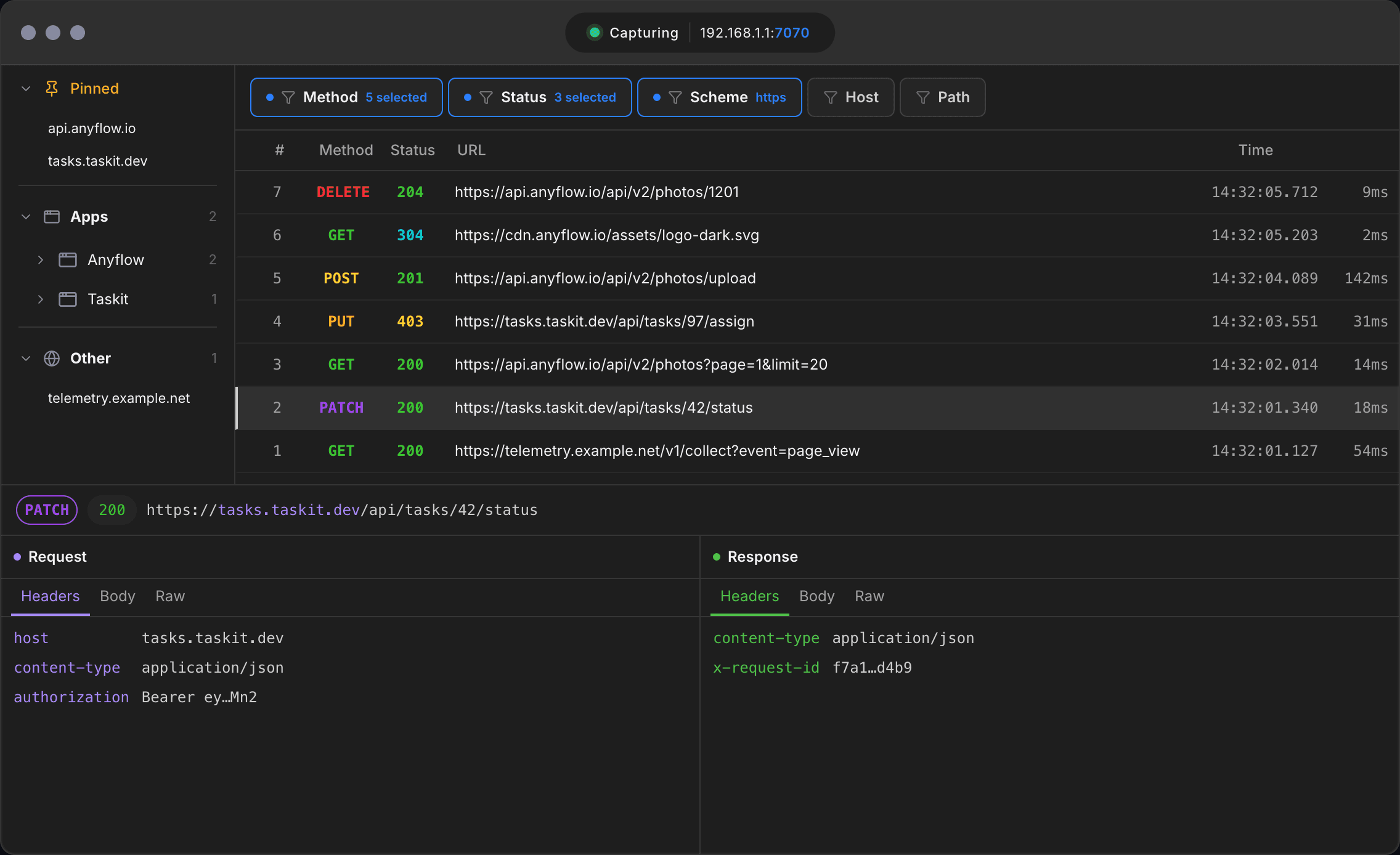
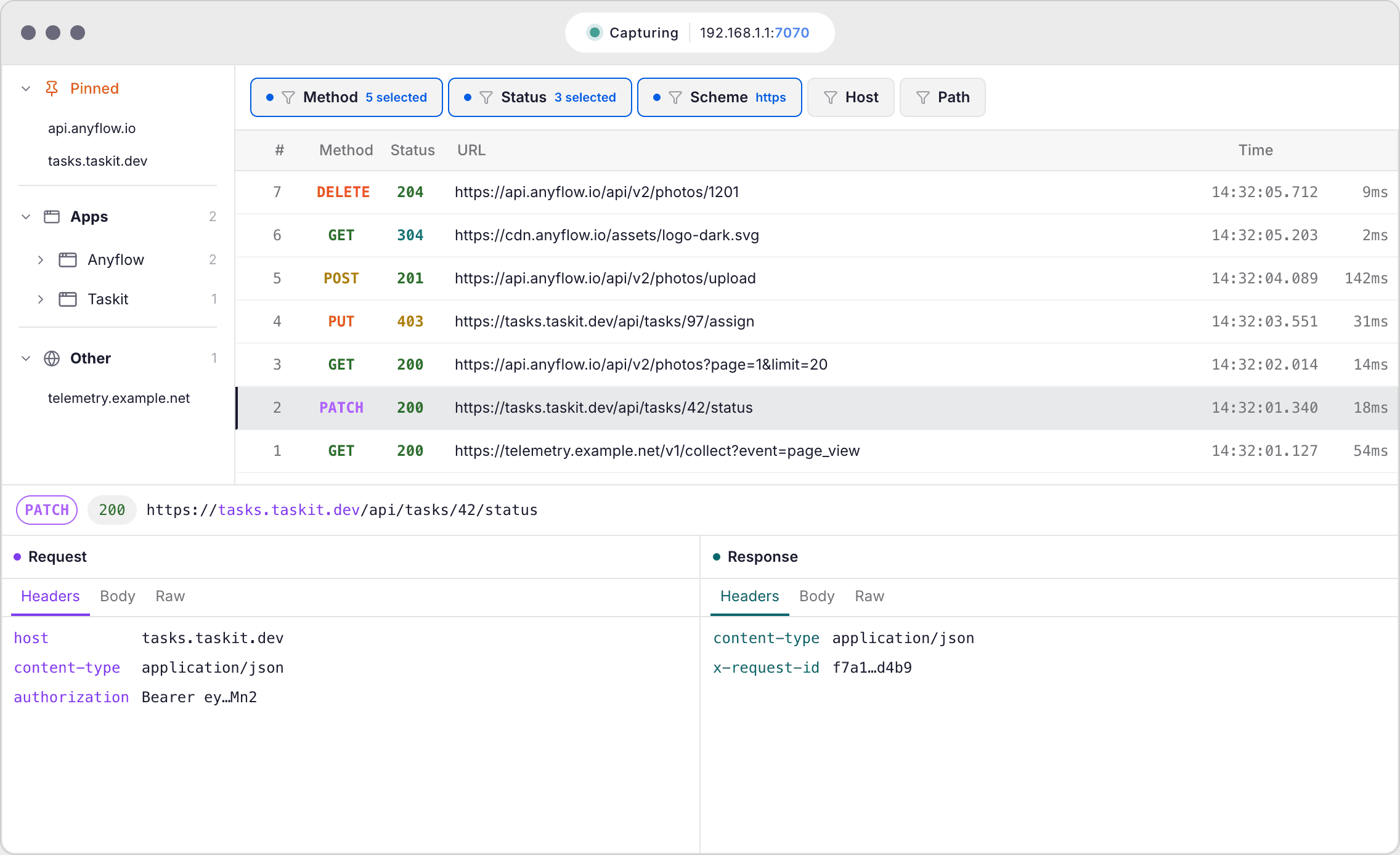
Traffic at a glance
A desktop HTTP/HTTPS proxy for debugging your own APIs, web sites, and mobile apps.
Built for developers, QA, and security teams.
See requests from your own app, browser, or test device
Inspect HTTP and HTTPS after you install your own local certificate
Modify responses to test your own app without changing its code
See for yourselftap to explore
Benefits
Debug faster
Find why a login fails, why CORS breaks, or why a request takes 8 seconds. See headers, cookies, query params, and responses
Easier testing
Test your app or website with different data. Switch endpoints, substitute response content and status codes
Easier analysis
Catch hidden redirects and unexpected third-party requests without reverse engineering
Features
HTTPS Decryption
Inspect your own encrypted traffic by installing a local root certificate:
- You install the certificate yourself — Solpuga never installs it silently
- Without an installed certificate, HTTPS is not decrypted
- You can remove the certificate at any time
Capture traffic from phones and tablets
Connect your own iPhone/Android device or an emulator you develop and test on:
- Inspect API calls from your own apps
- Debug WebViews and in-app browsers
- The proxy is set manually on the device, and certificate trust is confirmed there when needed
- No root or jailbreak required — just a Wi-Fi proxy
Two-level filtering
Focus on what matters
- Technical: filter by host, status, or method, and pin important requests
- Visual: key elements are highlighted in different colors for easier interface navigation
Network response mocking
Create rules that intercept requests by URL and apply changes on the fly:
- Redirect to a different host
- Modify headers or payloads
- Return a mocked response instantly
Breakpoints
Pause a request before it reaches the server or a response before it returns to the client. Inspect and edit on the fly:
- Edit URL, method, headers, or body
- Set conditional breakpoints by host, path, or status code
- Step through requests one at a time to reproduce tricky bugs
One proxy. Three platforms.
Supports Apple Silicon, Windows 10/11, and Ubuntu via AppImage
Works anywhere you can set an HTTP proxyYour traffic stays on your machine.
Session and rules are stored locally. No cloud sync. No analytics on your traffic data
FAQ
Have questions or
suggestions?
Reach out — we'd love to hear from you.